قدرت چاپ، به سادگی یک کلیک
از ثبت سفارش تا
تحویل نهایی
چاپمن گوشی شمار رو به یک چاپخانه تبدیل میکند.
فایلت
رو از گوشی آپلود کن، ویرایشش کن و امکانات چاپ رو خودت مشخص کن ؛ از سیاه و سفید گرفته تا
صحافی و هر چیزی که نیاز داری .
سفارش رو ثبت کن ؛ تو زمان تعین شده ، فایلها آماده تحویل
گرفتنه.
بدون صفهای انتظار طولانی ، بدون خطای انسانی .
فقط چند کلیک تا چاپ فاصله
داری
پنج قدم، بدون دردسر.
همهچیز از همان دستگاهی انجام میشود که در دست دارید.
آپلود
فایلت رو انتخاب و آپلود کن.
ویرایش
فایلت رو در ویرایشگر داخلی باز کن و دقیقاً مشخصاتی که میخوای رو تنظیم کن — سیاه سفید، رنگی، پانچ، سیم، طلق و...
پرداخت
قیمت رو بهصورت لحظهای ببین و آنلاین پرداخت کن.
چاپ
سفارشت مستقیم برای چاپ به همان چاپخانهای که انتخاب کردی میره.
تحویل
پس از تکمیل سفارش، سفارشت رو تحویل بگیر.
هر آنچه برای چاپ نیاز دارید.
معطل نشو؛ وقتت ارزشمنده.
منتظر صف نباش! فایلت رو بفرست، پرداخت کن و در زمان مشخصشده تحویل بگیر. با صرفهجویی در زمان، حتی میتونی وضعیت سفارشت رو لحظهای ببینی.
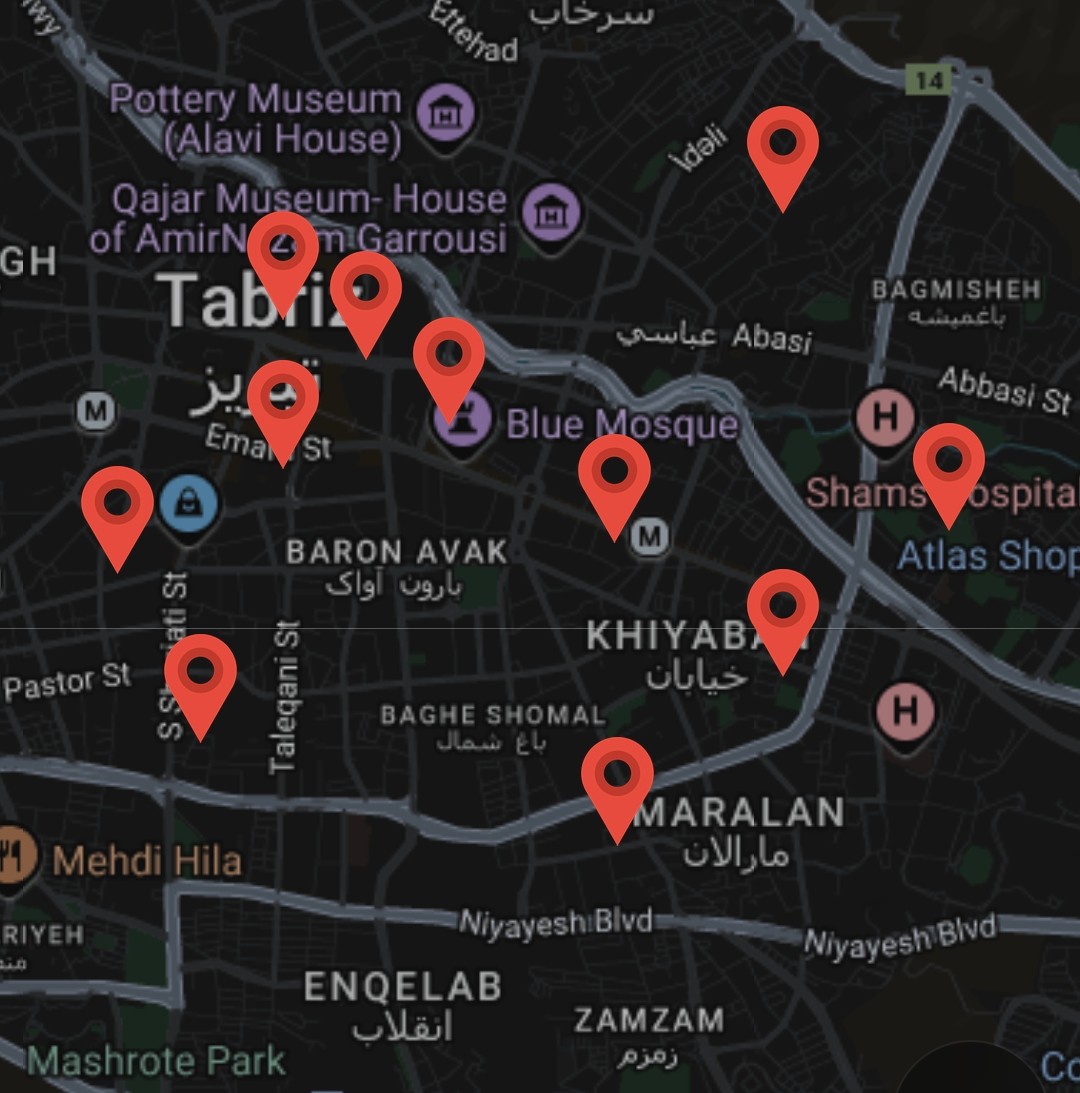
پیدا کردن نزدیکترین چاپخانه
نزدیکترین چاپخانه را روی نقشه پیدا کنید و سفارش خود را مستقیم برای آن بفرستید.
فایلت رو ادیت کن، امکاناتش رو انتخاب کن.
فایل خود را باز کنید، ویرایشش کنید و دقیقاً ویژگیهایی که میخواهید را مشخص کنید. مثلا سیاه سفید، رنگی، پانچ، سیم، طلق و...
سادگی در استفاده. بدون سردرگمی
استفاده از آن آسان است — بدون آموزش پیچیده، بدون سردرگمی.
محاسبه قیمت در همان لحظه
محاسبه قیمت بهصورت لحظهای را ببینید و همانجا آنلاین پرداخت کنید.
خطای انسانی؟ صفر!
خطای انسانی؟ صفر! — دقیقاً همان چیزی را که خواستهاید تحویل میگیرید.
چاپ، نزدیکتر از چیزی که فکر میکنید.
همه چاپخانههای متصل روی یک نقشه — نزدیکترین را انتخاب کنید و کار خود را مستقیم برای آن بفرستید.